
here we go:

(http://www.shooter-szene.de/albums/crysis/BlackCrysisInRed1280x1024.jpg)
Picture is a thumbnail-link to the actual 1280x1024 wallpaper (it has nice details on it, not just white logo on black background^^)
and yes, I mostly hide everything on my desktop. Important things come up when I hover certain areas (music collection, gaming/collecting related folders, home studio for music, etc.)

Picture is a thumbnail-link to the actual 1280x1024 wallpaper (it has nice details on it, not just white logo on black background^^)
and yes, I mostly hide everything on my desktop. Important things come up when I hover certain areas (music collection, gaming/collecting related folders, home studio for music, etc.)
mac power
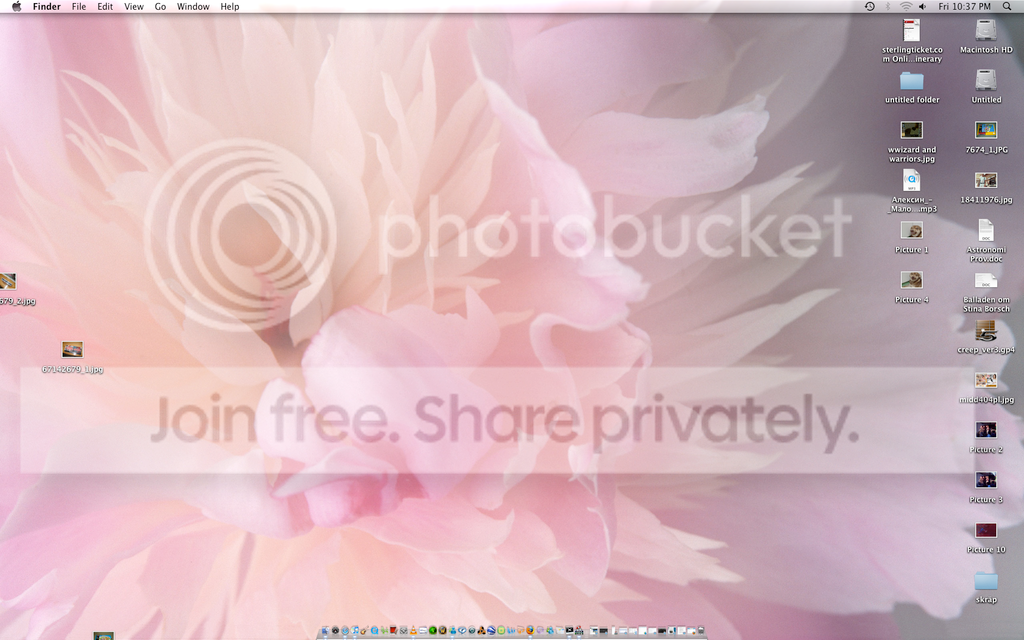
[Original image Show us your desktop screen Screenshot: http://www.members.iinet.net.au/~theimp/screenshot.png]
Sorry, it's a very boring desktop :-(
I used to have wallpaper on it, but not right now.
It's also a different resolution to what I usually have. My portable has a smaller resolution (640×800), and my server has a higher resolution (1920×1200). This poor workstation is stuck in the middle! But, it's not that bad; I don't do much on it except code, and I like my text nice and large. Also, that resolution helps me judge element positioning, because it is in much more common use among other computers.
I'll try and post my other desktops later :-)
Sorry, it's a very boring desktop :-(
I used to have wallpaper on it, but not right now.
It's also a different resolution to what I usually have. My portable has a smaller resolution (640×800), and my server has a higher resolution (1920×1200). This poor workstation is stuck in the middle! But, it's not that bad; I don't do much on it except code, and I like my text nice and large. Also, that resolution helps me judge element positioning, because it is in much more common use among other computers.
I'll try and post my other desktops later :-)
a lot of crap for you to drool over.
[Original image Show us your desktop screen Untitled-1: https://2img.net/h/i304.photobucket.com/albums/nn191/darksol83/Untitled-1.jpg]
[Original image Show us your desktop screen Untitled-1: https://2img.net/h/i304.photobucket.com/albums/nn191/darksol83/Untitled-1.jpg]
Here's Mine:
(http://img399.imageshack.us/my.php?image=mybackgroundun2.jpg)

(http://img399.imageshack.us/my.php?image=mybackgroundun2.jpg)
Here's mine. A Luis Royo. As you can see, it's uncluttered and minimalistic:
I like yours, DS. What is it, and where can I download it?

I like yours, DS. What is it, and where can I download it?
hehe, only 5000 icons Dark-Sol?
I feel very stupid to ask this but how do I post my desktop pic here? I mean what buttons to press.
lol, prt scr/sysrq button (between f12 and scroll lock). Press it and it will copy your desktop to clipboard.
Then go to paint or photoshop and PASTE.
Then go to paint or photoshop and PASTE.
> yobo wrote:hehe, only 5000 icons Dark-Sol?
well.. more of then just don't fit..
well.. more of then just don't fit..
[Original image https://2img.net/h/farm4.static.flickr.com/3020/2818344576_42c93a4b23_m.jpg] (http://farm4.static.flickr.com/3020/2818344576_bb60eb039e_o.jpg)
neat
> pooch wrote:I feel very stupid to ask this but how do I post my desktop pic here? I mean what buttons to press.
i'm unsure what to do too ???? help
probably best just to take a photo ????
i'm unsure what to do too ???? help
probably best just to take a photo ????
> striker wrote:lol, prt scr/sysrq button (between f12 and scroll lock). Press it and it will copy your desktop to clipboard.
>
> Then go to paint or photoshop and PASTE.
Uhm, that's 100% right so what exactly is your problem?
maybe this helps? ...
[Original image Show us your desktop screen Print-screen-button: https://2img.net/h/www.freetimefoto.com/blog/wp-content/uploads/2007/03/print-screen-button.gif]
>
> Then go to paint or photoshop and PASTE.
Uhm, that's 100% right so what exactly is your problem?
maybe this helps? ...
[Original image Show us your desktop screen Print-screen-button: https://2img.net/h/www.freetimefoto.com/blog/wp-content/uploads/2007/03/print-screen-button.gif]
lol, thanks for all your help but I know how to do that. I just can't figure out how to upload to the forum
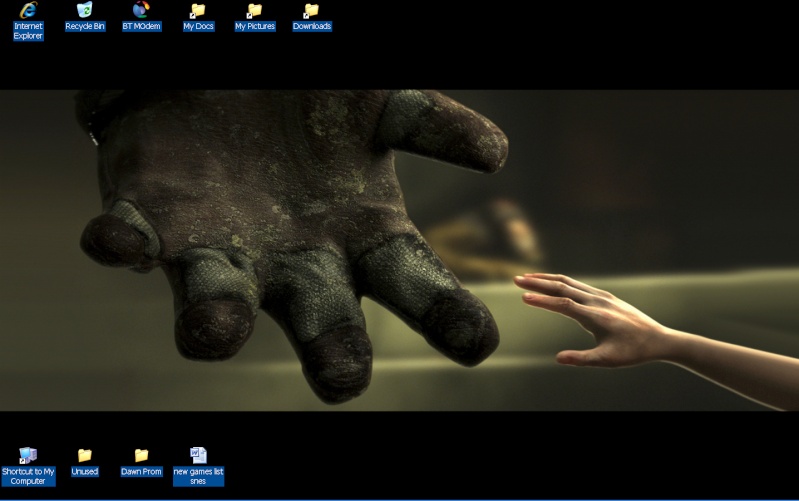
bioshock rules!
> pooch wrote:lol, thanks for all your help but I know how to do that. I just can't figure out how to upload to the forum
Just press "POSTREPLY" and use the button "image with a floppy disc".
Just press "POSTREPLY" and use the button "image with a floppy disc".
Changed mine
(https://servimg.com/view/12024157/51)
(https://servimg.com/view/12024157/51)
I did everything as asked but the server says my picture is NOT uploaded. I give up....
New computer screen means new desktop screen
[Original image https://2img.net/h/farm4.static.flickr.com/3118/2889770110_f7d46e84ce_m.jpg] (http://farm4.static.flickr.com/3118/2889770110_f7d46e84ce_b.jpg)
[Original image https://2img.net/h/farm4.static.flickr.com/3118/2889770110_f7d46e84ce_m.jpg] (http://farm4.static.flickr.com/3118/2889770110_f7d46e84ce_b.jpg)
Reply
Log in to reply.